Table of Contents
ToggleSan Francisco homeowners face a unique set of challenges: wildly fluctuating microclimates, earthquake risks, aging Victorian infrastructure, and sky-high energy costs. Smart home technology isn’t just a luxury here, it’s a practical tool for managing the city’s quirks. Whether it’s automating climate control for the Sunset fog or prepping your system for seismic activity, home automation can make daily life safer, more efficient, and a lot more comfortable. This guide walks through what works best in SF homes, what you can tackle yourself, and where you’ll want to bring in pros.
Key Takeaways
- Smart thermostats can reduce heating and cooling costs by 10-23% annually in San Francisco, where energy bills for average flats reach $300+ per month in winter.
- Home automation in San Francisco addresses unique challenges like earthquake preparedness, microclimates, and aging Victorian infrastructure that make smart home technology a practical necessity rather than a luxury.
- Older SF homes with pre-1980s wiring benefit most from wireless systems like Zigbee and Z-Wave devices, as well as smart switches that don’t require neutral wires, such as Lutron Caseta or Inovelli Red.
- Automatic gas and water shut-off valves are critical earthquake safety upgrades that can prevent fires from ruptured gas lines and detect leaks caused by seismic shifting.
- DIY installation works well for plug-and-play devices like smart bulbs, locks, and thermostats, but hardwired work and low-voltage wiring require permits and professional installation to comply with San Francisco’s strict building codes.
Why San Francisco Homeowners Are Embracing Smart Home Technology
Energy efficiency is the big driver. PG&E rates keep climbing, and smart thermostats like the Nest Learning Thermostat or Ecobee SmartThermostat can cut heating and cooling costs by 10-23% annually. That’s real money in a city where a 1,200 sq ft flat can cost $300+ per month to heat in winter.
Security matters more in dense urban settings. Smart locks, video doorbells, and motion-sensor cameras give homeowners real-time alerts and remote access, helpful when you’re out and a package is delivered, or when you need to let a contractor in from across town. Platforms like Ring, Arlo, and Nest Cam integrate with existing Wi-Fi and send alerts directly to smartphones.
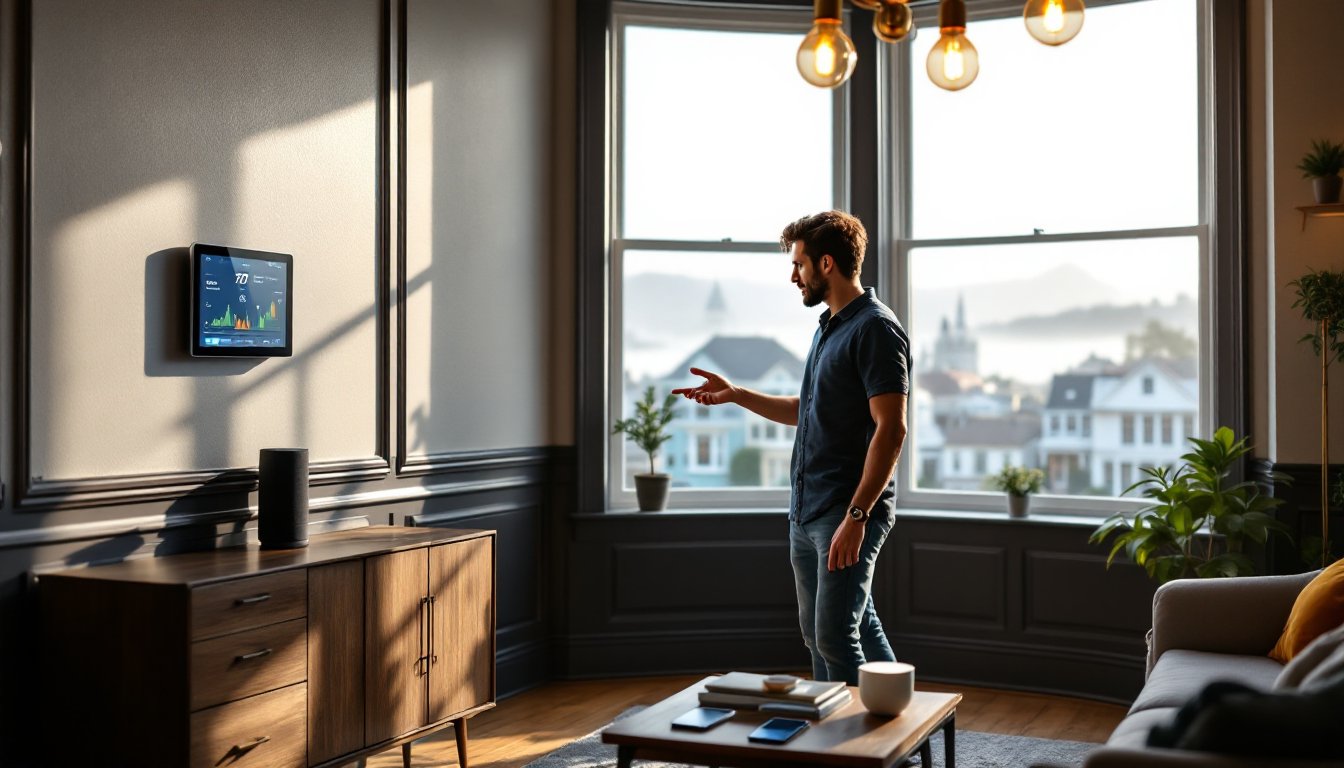
Convenience plays a role, too. Voice control through Amazon Alexa, Google Home, or Apple HomeKit lets residents manage lighting, locks, and appliances without getting up. For multistory Victorians or homes with narrow staircases, that’s more than a gimmick, it’s genuinely useful.
Finally, earthquake preparedness is a consideration unique to the Bay Area. Automated shut-off valves for gas and water, seismic sensors, and backup power systems can be integrated into smart home automation setups to reduce damage and keep critical systems running after a quake.
Popular Home Automation Systems for San Francisco Homes
Most SF homeowners start with a hub-based system or a hub-free platform. Hub-based options like Samsung SmartThings or Hubitat Elevation let you mix and match devices from different manufacturers. They’re flexible but require a bit more setup. Hub-free systems like Amazon Echo or Google Nest are plug-and-play but lock you into a specific ecosystem.
For older homes, especially Victorians with knob-and-tube wiring or plaster-and-lath walls, wireless systems are the way to go. Running new low-voltage wiring through those walls is a nightmare. Zigbee and Z-Wave devices communicate wirelessly and don’t require a neutral wire at every switch, which is a common issue in pre-1980s construction.
Lighting control is a popular first step. Philips Hue, LIFX, and Lutron Caseta smart bulbs and dimmers work over Wi-Fi or proprietary protocols and don’t require rewiring. Caseta dimmers are particularly good for older homes because they work without a neutral wire.
Smart locks like August Wi-Fi Smart Lock or Schlage Encode retrofit onto existing deadbolts in minutes. No drilling, no new locksets. Just remove the interior thumb turn, mount the smart lock, and connect it to your phone. This is ideal for renters or anyone who doesn’t want to mess with door prep.
For whole-home control, integrated home automation platforms like Control4 or Crestron offer professional-grade systems that manage lighting, HVAC, security, and entertainment from a single interface. These require professional installation and programming but deliver the most seamless experience.
Smart Climate Control for SF’s Microclimates
San Francisco’s weather is famously inconsistent. The Sunset can be 15°F cooler than the Mission on the same afternoon. A single thermostat in the hallway won’t cut it.
Smart thermostats with remote sensors solve this. Ecobee includes a remote sensor in the box: you can buy additional sensors for $40-50 each and place them in bedrooms, living rooms, or wherever you spend the most time. The system averages temperatures across sensors and adjusts heating or cooling accordingly.
For homes with radiant heat or hydronic systems, common in older SF buildings, you’ll need a thermostat compatible with low-voltage boiler controls. The Nest Thermostat (not the Learning version) and Honeywell Home T9 both support radiant systems, but double-check compatibility with your specific boiler model before buying.
Smart vents like Flair Smart Vents or Keen Home can close off unused rooms and redirect airflow. If you’ve got a two-story flat and only heat the lower level during the day, smart vents can save 20-30% on heating costs. They work with forced-air systems only, radiant and baseboard heat won’t benefit.
Many of the best smart home devices now feature geofencing, which adjusts climate settings based on your phone’s location. Heat kicks on 20 minutes before you get home, then dials back when you leave.
DIY vs. Professional Installation: What San Francisco Homeowners Should Know
Most plug-and-play devices, smart bulbs, locks, cameras, thermostats, are DIY-friendly. If you can use a screwdriver and follow an app’s setup wizard, you’re good to go. Budget 1-2 hours for a smart thermostat install, 30 minutes for a smart lock, and 15 minutes per smart bulb or plug.
Hardwired devices are trickier. Installing smart switches or dimmers means working inside junction boxes with live wires. If you’re comfortable with basic electrical work and your local codes allow it, you can handle this yourself. Shut off power at the breaker, use a non-contact voltage tester to confirm wires are dead, and follow the manufacturer’s wiring diagram. Wear safety glasses and work gloves.
In San Francisco, electrical permits are required for most hardwired installations if you’re adding new circuits or replacing junction boxes. Swapping a dumb switch for a smart one usually doesn’t require a permit, but check with the SF Department of Building Inspection to be sure. Homeowners can pull permits for their own work, but if something goes wrong and it wasn’t permitted, your homeowner’s insurance might not cover it.
Low-voltage wiring (for systems like Control4, Crestron, or whole-home audio) is a professional job. Running Cat6, speaker wire, or coax through finished walls requires specialized tools, fish tape, wall-fishing rods, possibly a borescope, and a lot of patience. Pros charge $75-150 per hour for this kind of work in the Bay Area, and a whole-home system can run $5,000-$20,000+ depending on scope.
If you’re in a condo or co-op, check your HOA rules before installing anything visible from the exterior. Video doorbells, exterior cameras, and even smart locks may require board approval. For help planning more complex projects, home automation installation services can assess your space and outline what’s feasible within building restrictions.
Navigating San Francisco Building Codes and Smart Home Upgrades
San Francisco follows the California Building Code and California Electrical Code, both of which are stricter than the national NEC in some areas. Any work that involves opening walls, adding circuits, or modifying electrical panels typically requires a permit.
GFCI and AFCI requirements are common triggers. If you’re installing smart switches in a kitchen, bathroom, garage, or outdoor area, you may need GFCI protection. AFCI (arc-fault circuit interrupter) protection is required for most 15A and 20A circuits in newer construction and major remodels. Some older homes grandfathered in under previous codes won’t need retrofits unless you’re doing substantial work, but it’s worth confirming.
Neutral wires are required for most smart switches and dimmers. Homes built before the 1980s often lack neutrals in switch boxes, just a hot, a load, and a ground. If that’s your situation, you have three options: hire an electrician to run a neutral (expensive), use smart switches that don’t require a neutral (Lutron Caseta, Inovelli Red), or stick with smart bulbs instead of smart switches.
Seismic bracing is mandatory for water heaters in California, and if you’re adding a smart water shut-off valve like Flo by Moen or Phyn Plus, make sure it’s installed downstream of the main shutoff and doesn’t interfere with earthquake strapping. These valves detect leaks and can shut off water automatically, but improper placement can create code violations.
For multi-unit buildings, the SF Fire Code may restrict certain smart devices. Battery-powered smart locks are usually fine, but hardwired locks that fail open (unlock when power is lost) might not meet fire egress requirements. Always check with your building department or a licensed contractor before installing anything that affects life safety. If you’re unsure whether your home automation design complies with local rules, a pre-installation consultation can save headaches later.
Best Home Automation Features for Earthquake Preparedness
Earthquakes are a fact of life in the Bay Area, and smart home tech can help minimize damage and speed recovery.
Automatic gas shut-off valves are the top recommendation. Devices like the Seismic Gas Shutoff Valve or Earthquake Valve install on the main gas line and close automatically when seismic motion is detected. They cost $300-600 installed and can prevent fires caused by ruptured gas lines. These are code-required for new construction in some California cities but not yet in SF, still, they’re a smart investment.
Water leak detectors with auto shut-off are also critical. A quake can crack supply lines or shift appliances, causing slow leaks that go unnoticed for days. The Flo by Moen system monitors water pressure and flow 24/7, detects abnormalities, and shuts off the main valve if it senses a leak. It connects via Wi-Fi and sends alerts to your phone. Installation costs $500-800 depending on your plumbing setup.
Battery backup for smart hubs and routers keeps your system online if power goes out. A simple UPS (uninterruptible power supply) from APC or CyberPower costs $80-150 and provides 30-60 minutes of runtime, enough to send alerts and execute automated shut-off routines. For longer outages, consider a whole-home battery system like the Tesla Powerwall or Enphase Encharge. These cost $10,000-$15,000 installed but can keep critical systems running for hours or days.
Smart smoke and CO detectors like Nest Protect or First Alert Onelink offer voice alerts, smartphone notifications, and automatic testing. In an earthquake, gas leaks and electrical faults can trigger fires or carbon monoxide release. These detectors can alert you even if you’re not home and provide early warning to evacuate.
For DIYers interested in expanding their setup, home automation DIY ideas cover projects like integrating seismic sensors with smart routines. When motion exceeds a threshold, your system can turn on all lights, unlock doors, and send emergency alerts. Platforms like Home Assistant or OpenHAB let advanced users script these automations, though they require some programming knowledge. The advantages of home automation extend beyond convenience when systems are designed with safety in mind.
Conclusion
Smart home tech in San Francisco isn’t about chasing trends, it’s about adapting to the city’s unique demands. Whether you’re managing microclimates, prepping for earthquakes, or just trying to cut your PG&E bill, the right automation setup makes a real difference. Start with one or two devices, see what works, and build from there. And if a project feels over your head, there’s no shame in calling a pro.